

Your Complete Guide to Installing MovieBox APK on Android Devices in India
Download Cricket AppDownload 4.0.04.1112.03 APK (Latest)| App Name | MovieBox App |
|---|---|
| Version | 4.0.04.1112.03 |
| Size | 80.55 MB |
| Category | Entertainment |
| Rating | 4.0 |
| Downloads | 11.7 M |
| Updated | 2026-11-12 |
| Content Rating | +3 |
| Status | active |
Guide to Install MovieBox APK on Your Android Device in India
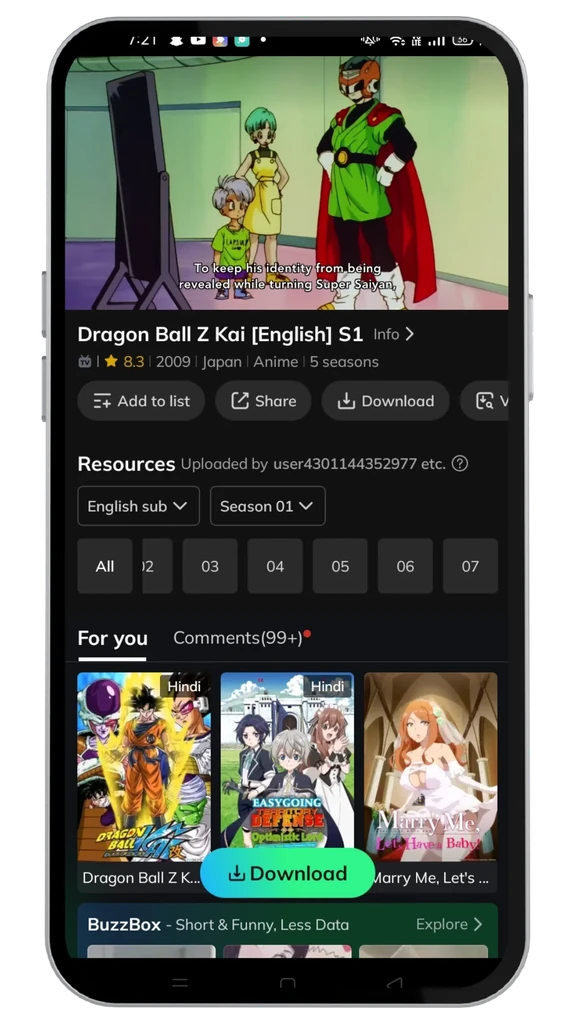
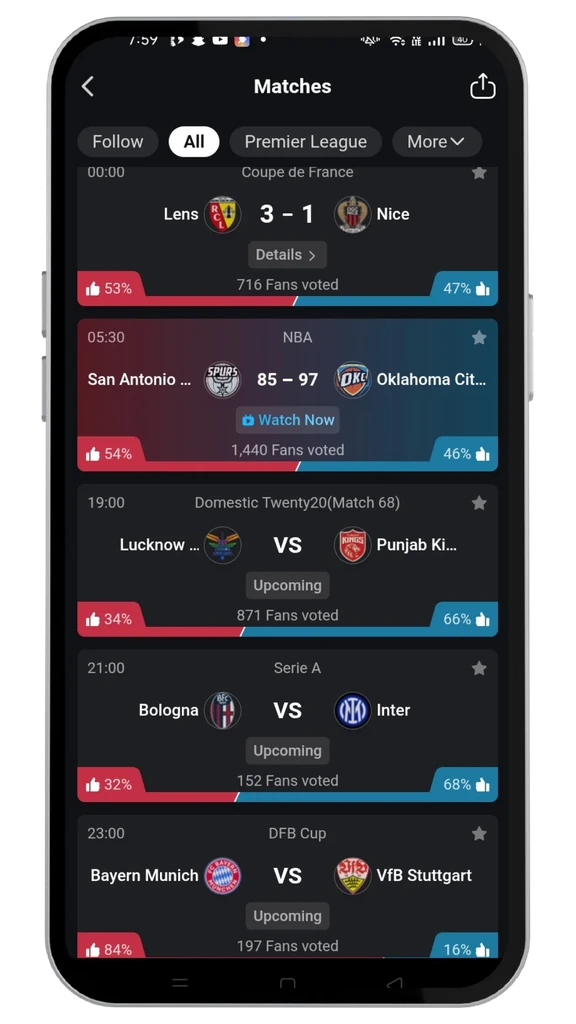
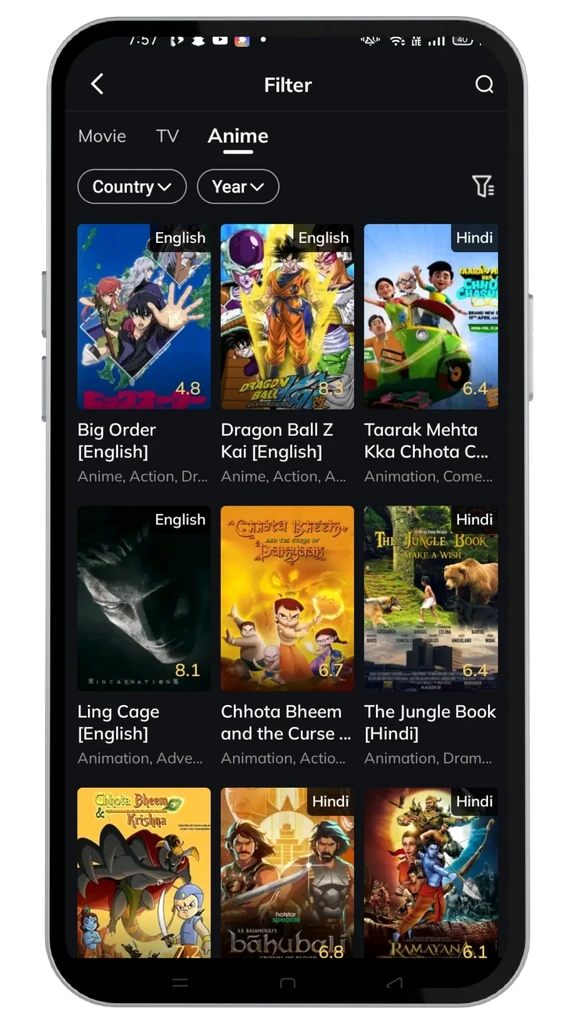
If you are a fan of live sports, news, and various TV shows, MovieBox is an application that might pique your interest. It serves as a powerful tool for streaming a variety of content right on your Android device. However, it's important to note that MovieBox is not listed on the Google Play Store, which means you’ll need to install the APK file manually. This guide will walk you through the installation process step-by-step.
Installation Steps
- Download the APK File: First, navigate to the official website or a reliable source to download the MovieBox APK file. Ensure that you are downloading the most recent version to avoid compatibility issues.
- Locate the Downloaded File: Once the download is complete, go to your device’s internal storage, typically in the Downloads folder, where the APK file will be found.
- Enable Installation from Unknown Sources: Before running the APK, you may encounter a warning that prevents you from installing apps from unknown sources. To allow this, go to Settings → Security/Privacy and toggle on the option for Install from Unknown Sources. Once MovieBox is installed, it's advisable to turn this option off again for security purposes.
- Install the App: Tap on the APK file to begin installation. Follow the on-screen prompts until the installation is complete. Afterward, choose Open to launch the moviebox application.
Security Precautions
It’s crucial to prioritize your device's security when installing third-party applications. Always download the APK from official or vetted sources to mitigate risks. Additionally, consider running an antivirus scan on the downloaded file before proceeding with the installation. Remember to disable the unknown sources permission post-installation to maintain a higher level of security on your device.
Frequently Asked Questions (FAQ)
Do I need to create an account to use MovieBox?
No, signing up is not necessary to access MovieBox. You can start streaming content immediately after installation.
What if the app runs slowly or buffers often?
If you experience buffering or lag, ensure your internet connection is stable. Restarting the app or your device might also help improve performance.
Is MovieBox compatible with tablets?
Yes, MovieBox works on most Android devices, including tablets, allowing for a larger viewing experience.